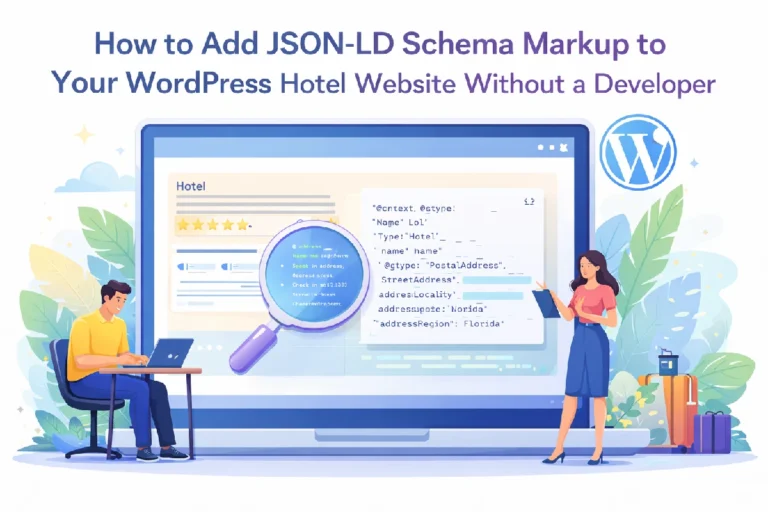

In the modern digital landscape, a hotel’s website is more than just a digital brochure; it is a data source for search engines. When a traveler searches for “boutique resort with a private pool” or “best hotel restaurant near me,” Google doesn’t just “read” your text—it parses your code.
The secret to winning these high-intent searches lies in Schema Markup (Structured Data). However, not all schema is created equal. While many WordPress users rely on “set-it-and-forget-it” SEO plugins, there is a massive gap between generic business tags and the granular, high-performance data provided by a dedicated Hotel Schema Generator.
In this guide, we will break down what hotel schema is, why your current plugin is likely failing you, and how to manually implement professional-grade JSON-LD to dominate the search results.
What Exactly is Hotel Schema?
Think of your website’s text as a conversation and Schema as a spreadsheet.
When you write “Our resort features a luxury spa and a fine-dining Italian restaurant,” a human understands the context perfectly. A search engine, however, sees a string of words. Schema markup uses a standardized vocabulary from Schema.org to translate that sentence into data points:
- Entity:
Hotel - Amenity:
Spa - Sub-Entity:
Restaurant(Cuisine: Italian)
By providing this “spreadsheet” in a format called JSON-LD (the industry-standard code block), you are essentially giving Google a cheat sheet to your business.
The Hidden Trap of “Generic” SEO Plugins
Most WordPress developers and hotel owners use popular SEO plugins to handle their structured data. While these are great for basic blogs, they fall short for the hospitality industry for three main reasons:
1. The “LocalBusiness” Limitation
Most plugins categorize every business under the broad @type: LocalBusiness. This is a “jack of all trades” tag. It works for a plumber, a law firm, and a bakery.
A hotel, however, has unique properties—star ratings, check-in times, and room counts—that the LocalBusiness tag doesn’t support. To trigger Google’s specific Hotel Search features, you must use the @type: Hotel or @type: Resort tags found in specialized generators.
2. The Missing “Nested” Entities
A resort is an ecosystem. It often contains a restaurant, a spa, and multiple room types.
- Generic Plugins: Usually output one flat block of data. It tells Google you are a hotel. Period.
- The Manual Way: A dedicated tool allows you to nest entities. You can define a
Restaurantinside theHotelcode. This tells Google that the restaurant is a feature of the hotel, which helps you show up in both “lodging” and “dining” search results.
3. Flat Room Pricing
Google’s rich snippets can display “Rooms from ₹4,500.” Generic plugins rarely allow you to define individual HotelRoom types with specific prices, bed types, and occupancy limits. Without this data, your search result remains a plain blue link, while your competitor (who used a manual generator) gets a rich, multi-line display.
Why Manual JSON-LD is the Professional Choice
Using a manual Hotel Schema Generator gives you a level of “Data Sovereignty” that plugins cannot match.
Better Click-Through Rates (CTR)
Research consistently shows that search results with “Rich Snippets” (stars, prices, and address details) receive up to 30% more clicks than standard links. Manual schema ensures you have all the fields filled out to trigger these snippets.
AI and Voice Search Readiness
As we move into 2026, AI-driven search (like Google’s Gemini-powered results) relies on “Entities.” When someone asks a voice assistant, “Find a villa in Manali with a mountain view for 4 people,” the AI looks for the occupancy and amenityFeature tags. Generic plugins don’t provide these; manual JSON-LD does.
No “Plugin Bloat”
Every plugin you add to WordPress slows it down. By generating your schema code manually and pasting it into your theme, you get the SEO benefits without the heavy background processing of a bulky plugin.
How to Implement Manual Schema (Step-by-Step)
You don’t need to be a coder to do this. Follow these four steps to professionalize your hotel’s data.
Step 1: Gather Your Specifics
Before you start, have your details ready:
- Official Star Rating (e.g., 4-star)
- Check-in/Check-out times
- Accepted Currencies
- Specific room types (Deluxe, Suite, etc.)
Step 2: Generate the Code
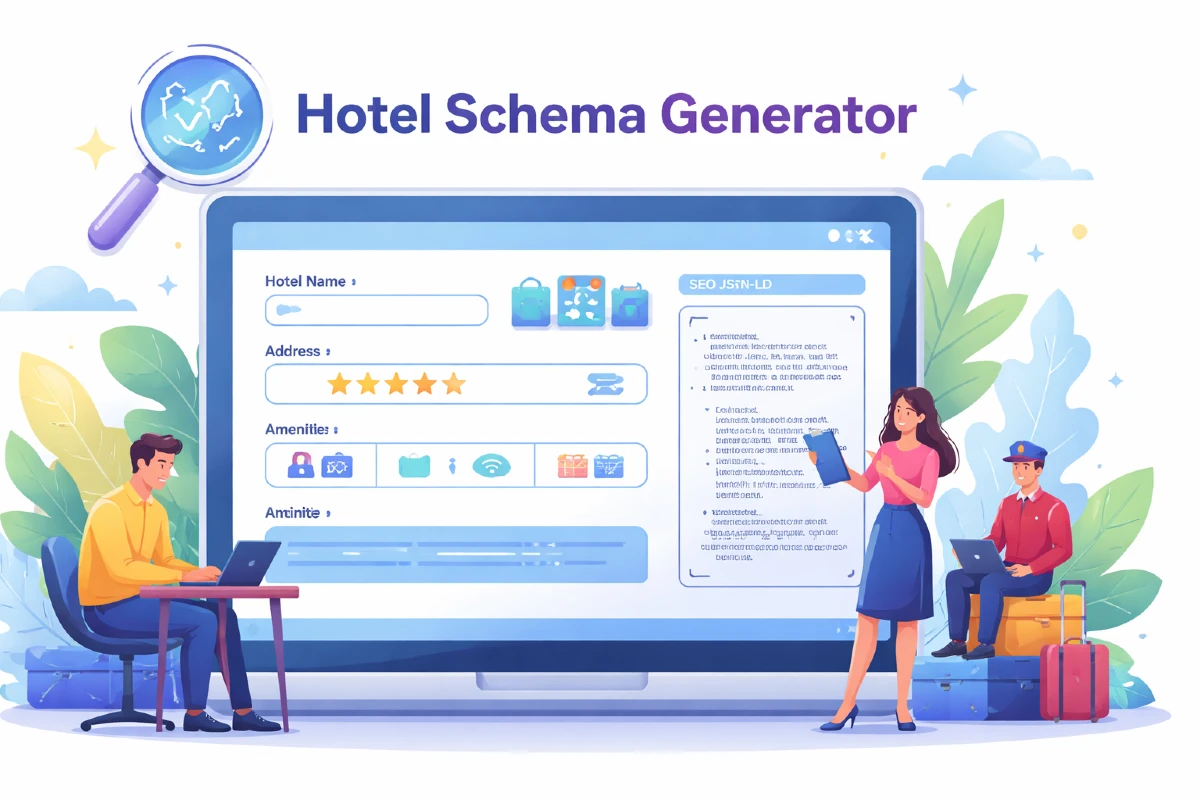
Visit the Free Hotel Schema Generator.
- Enter your property details.
- Add a Restaurant: If you have one, fill out the restaurant section to create a “nested” entity.
- Define Rooms: Create separate entries for your main room categories.
- Copy the JSON-LD: The tool will provide a script that looks like
<script type="application/ld+json">....
Step 3: Add to WordPress
There are two ways to do this:
- For the whole site: Use a plugin like “Insert Headers and Footers” to paste the code into the
<head>of your site. - For specific pages: If you have a specific page for a “Luxury Villa,” use the Custom HTML block in the Gutenberg editor to paste the schema for that specific room at the bottom of the page.
Step 4: The Validation Test
Never assume your code is perfect. Copy your URL and paste it into the Google Rich Results Test. If it shows “Eligible for Rich Results,” you have successfully outpaced 90% of your competitors.
Final Thoughts: The ROI of Good Data
In the hospitality industry, every direct booking saved from an OTA (Online Travel Agency) like Booking.com means more profit in your pocket.
By taking 10 minutes to move away from “generic” plugin schema and using a specialized Hotel Schema Generator, you are making your hotel “readable” for the future of search. You aren’t just optimizing for Google; you are optimizing for the guest who is looking for exactly what you offer.
Ready to see the difference? Generate your first professional schema block at Desiment today.